
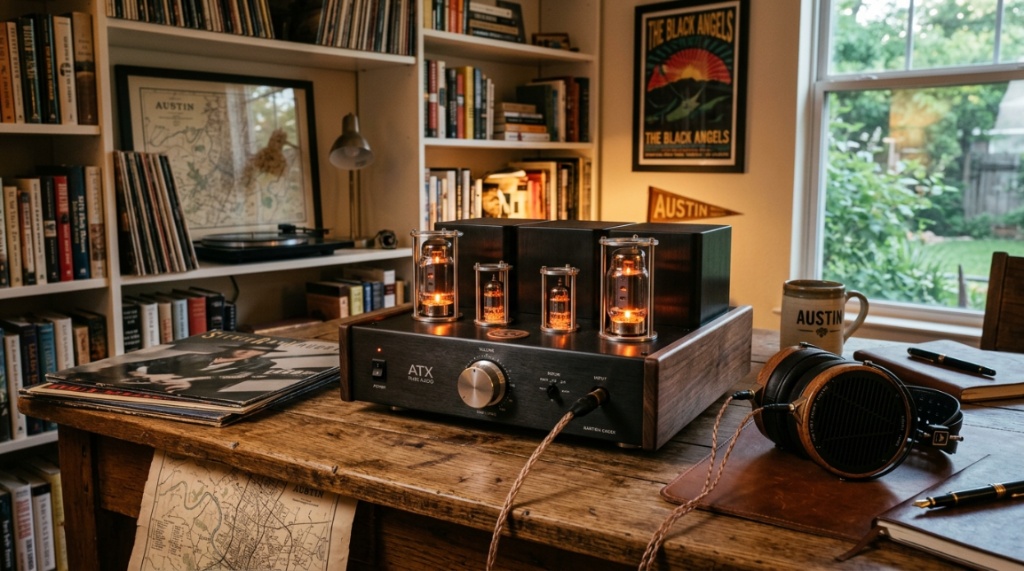
Whether you are a studio engineer in Austin, a classical music enthusiast in Houston, or a gaming fanatic in Dallas, the sweltering Texas heat isn’t the only thing you should worry about when listening to music. If your high-end headphones sound quiet, lifeless, or lack punch when plugged directly into your laptop or phone, you likely have a pairing problem. Upgrading your listening experience isn’t just about spending more money on headphones; it often requires adding a dedicated amplifier to drive them properly. However, with so many options—from compact portable dongles to massive desktop tube units—figuring out where to start can be overwhelming. This guide breaks down everything you need to know to select the Best Headphone Amplifier in Texas for your specific gear, budget, and listening habits, ensuring you get the most out of every track.
Key Takeaways
- Know your headphone impedance: High-impedance headphones (above 150Ω) generally require a dedicated desktop amp, while sensitive in-ear monitors (IEMs) only need a clean dongle DAC/amp.
- Consider the “Texas size” of your setup: Decide whether you need a portable unit for commuting or a full-size desktop unit for a permanent listening station before looking at specs.
- Match power to headphone sensitivity: It is not just about impedance; look at sensitivity (dB/mW). Power-hungry planar magnetic headphones need significantly more current than dynamic drivers.
- Prioritize connectivity: Ensure your chosen amp has the correct inputs (RCA, XLR, USB, or Optical) to match your source, whether it’s a computer, a turntable, or a CD player.
- Buy from local dealers: If possible, purchase from Texas-based audio retailers who offer solid return policies and local warranty support, which is crucial if you live in a humid climate.
Defining Your Power Requirements
Before you look at any specific brand or price point, you must evaluate your current headphones. The entire purpose of an amplifier is to push enough voltage and current to the drivers so they can reproduce music at a healthy listening volume without distortion. If your headphones are already easy to drive, a powerful desktop amp will only make them louder, not better.
High-Impedance vs. Low-Impedance Headphones
Impedance, measured in ohms (Ω), is the resistance the headphones present to the amplifier. High-impedance headphones (usually 250Ω to 600Ω) are often designed for studio use with professional rack equipment. They require more voltage to reach high volume levels. Low-impedance headphones (typically under 50Ω) are designed for portable devices and are easier to drive.
If you own a pair of Sennheiser HD 600 (300Ω) or Beyerdynamic DT 990 (250Ω), you need an amplifier that can output substantial voltage into a 300-ohm load. Conversely, if you use IEMs like the Moondrop Aria or the Sennheiser IE 600, they are incredibly sensitive. Plugging them into a noisy, high-power desktop amp might reveal a constant hiss or “noise floor.” For sensitive IEMs, a clean, low-gain portable amp is often the better fit.
Power Ratings: Don’t Just Chase the Numbers
Manufacturers often tout massive numbers like “2 Watts per channel.” While that sounds impressive, it is usually calculated into a 32-ohm load. What matters is how much power the amp creates at your specific headphones’ impedance. For example, an amp that delivers 500mW at 300Ω is incredibly powerful and can drive almost anything. An amp that only delivers 50mW at 300Ω might struggle to provide headroom for dynamic music peaks. You generally want your amp to have at least 2-3 times the power you actually need for your listening volume to avoid clipping.
Matching Amp Topology to Your Music Taste
There is no “perfect” amplifier technology; there are only trade-offs. The two main camps are Solid-State and Tube (Valve) amplifiers. You should choose based on the sound signature you prefer and the maintenance you are willing to perform.
Solid-State: Accuracy and Transparency
Solid-state amps use transistors to amplify the signal. They are generally more accurate, have lower distortion, and are very reliable. They do not color the sound; they simply reproduce exactly what is on the recording. If you are a mixing engineer or a fan of neutral-sounding genres like classical, jazz, or acoustic music, a solid-state amplifier is the safer choice. They are also “set and forget” units—you don’t need to worry about biasing or warming them up,
Pair your new amplifier with the best over-ear headphones for music lovers to experience exceptional sound clarity and deep bass response.
Tubes: Warmth and Musicality
Tubes (valves) introduce a level of harmonic distortion that many listeners find pleasing. This is often described as a “warm” or “smooth” sound—it softens the harsh edges of digital recordings and adds a sense of space (soundstage) that can be very addictive. However, tubes require maintenance. They heat up significantly, which can be a problem in the Texas summer if your listening room lacks air conditioning. They also need to be replaced after a few thousand hours and are sensitive to physical vibrations. You must also match the gain staging correctly to avoid hum.
In the Lone Star State, where power grids can occasionally fluctuate, investing in a separate power conditioner is advisable, regardless of whether you choose tubes or solid-state. Voltage spikes can damage tube filaments or transistor capacitors over time.
Portable vs. Desktop: Lifestyle Considerations
Your listening environment dictates the size and power source of your amplifier. Do you need it on a desk, or do you want to take it on a plane? The “Best Headphone Amplifier in Texas” for a road-tripping musician will look entirely different than the one for a home office in Houston.
Portable DAC/Amp Dongles
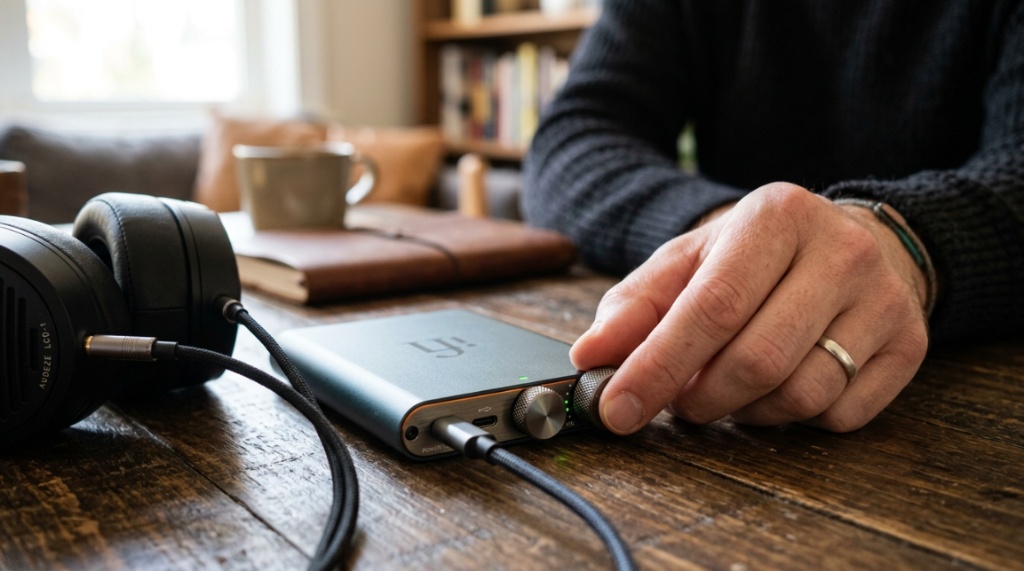
These are tiny USB dongles that plug directly into your laptop or smartphone. They are powered by the battery of your phone or the USB port of your computer. They are ideal for using with IEMs or low-impedance over-ears on the go. However, they have limited voltage, so they are not suitable for power-hungry planar magnetics or high-impedance studio cans unless they have a built-in battery.
Desktop Units
These are larger boxes that require an AC power outlet. They offer significantly more power and often include balanced outputs (XLR or 4.4mm). Balanced outputs double the voltage swing, which is essential for driving high-impedance headphones to extremely loud levels with zero background noise. Desktop units also offer more connectivity options, such as multiple line-level inputs, preamp outputs for powered speakers, and superior DAC sections.
Key Difference: A desktop amp with a decent internal power supply will usually have a lower output impedance than a portable unit. This is critical because an amp with high output impedance (over 8Ω) can alter the frequency response of low-impedance multi-driver IEMs, making the bass sound bloated.
Critical Connectivity and Signal Paths
Amps don’t work alone. You need to feed them a clean signal. This is where the Digital-to-Analog Converter (DAC) comes into play. Many amplifiers are integrated units (DAC/Amp combos). If you are buying a standalone amplifier, you must ensure you have a DAC to convert the digital signal from your computer to an analog line-level signal for the amp.
Integrated DACs
If you are starting from scratch, look for an integrated DAC/amp. They simplify your desk and reduce interconnects. Look for modern DAC chips that support high-resolution audio (at least 32-bit/384kHz PCM and DSD256). For streaming, you don’t need native DSD playback, but it doesn’t hurt to have the capability if you have a local library of hi-res files.
Balanced vs. Single-Ended
Look for an amplifier with both 6.35mm (single-ended) and 4.4mm/XLR (balanced) outputs. A balanced connection requires a specific cable for your headphones (or a balanced termination on an upgrade cable). Balanced setups double the power output and can drive headphones with better channel separation. However, if you don’t want to buy new cables, a well-designed single-ended output is still excellent. Don’t buy an amp just for the balanced output if your headphones are difficult to re-cable (like some Audeze or Focal models that use proprietary connectors).
Practical Buying Mistakes to Avoid
People often overspend on the amplifier and underspend on the source, or vice versa. Here are common pitfalls specific to this hobby:
- Ignoring the DAC: Buying a $1,000 amplifier for a laptop with a poor-quality internal sound card is a waste of money. The analog signal going in is weak, so the expensive amp will just amplify the noise. Invest in a good DAC first if you are on a tight budget.
- Buying overkill power: You do not need 6 watts of power for a pair of 32-ohm dynamic headphones. You will never get past the 9 o’clock position on the volume knob without blasting your ears out, and you will have zero usable volume range in the knob’s rotation.
- Forgetting the cables: Remember that you need high-quality RCA or XLR interconnects to connect a separate DAC and amp. These can cost $50-$200 for quality builds, so factor that into your total system cost.
- Not checking the “gain” switch: If your amp has a high and low gain switch, learn how to use it. High gain is for high-impedance headphones; low gain is for IEMs. Using high gain with sensitive IEMs will always result in a hiss. Correct gain staging is free and instantly improves sound quality.
Where to Buy and Test in Texas
While online shopping is convenient, acoustics and personal preference are subjective. If you live in a major Texas metro, try to visit an audio store to listen before you buy. This helps you avoid the hassle of returns and ensures the tactile feel (knobs, switches, and build quality) is to your liking.
- Austin: Check out local hifi shops that specialize in reference speakers and headphone gear.
- Dallas/Fort Worth: This area has a strong audiophile community with several specialized shops offering quality demonstration rooms.
- Houston: Look for dealers carrying brands like Schiit, Monolith, or Woo Audio. Many local stores will let you bring in your own headphones to test their amps, which is the absolute best way to evaluate compatibility.
Buying locally also means you have a physical location to return to if you encounter electrical issues, which is significantly faster than mailing a heavy chassis back to a warehouse.
Frequently Asked Questions
Does a headphone amplifier improve sound quality if my headphones are already loud?
Yes. Loudness is only one part of the equation. An amplifier provides gain (loudness) and current (control). If your headphones are easy to drive, a dedicated amp may improve the “slam” of the bass and the clarity of the treble by providing better damping control over the driver. Even at the same volume, a high-quality amp reduces distortion at the peaks of the music, making the sound feel cleaner and more dynamic.
Can I use a headphone amplifier with wireless Bluetooth headphones?
No. Bluetooth headphones (like the Sony WH-1000XM5 or Apple AirPods Max) have an internal amplifier and DAC built into the ear cups. They only accept a digital Bluetooth signal. You cannot bypass their internal electronics to feed an analog signal from a standalone amplifier. Amps are only for wired headphones.
Is it safe to leave my tube headphone amplifier on all day?
While you can, it is not efficient and reduces the lifespan of your tubes. Tubes degrade every hour they are hot. Leaving them on for 12 hours a day will require you to replace them every few months instead of every few years. If you are in Texas, leaving a hot tube amp on in a non-air-conditioned room can also lead to overheating components, weakening solder joints.
What is the difference between a DAC and an amplifier?
A DAC (Digital-to-Analog Converter) takes a digital signal (1s and 0s) and converts it into a low-voltage analog voltage. An amplifier takes that analog voltage and increases its amplitude (volume) enough to drive headphones. Many products combine both, but they perform separate functions. You can use a standalone amp with a DAC built into your computer, but the quality of that DAC will often be the bottleneck.
Conclusion
Choosing the right amplifier is a balancing act between your headphones’ technical requirements, your preferred sound signature, and your physical listening environment. Start by measuring your headphone impedance and sensitivity, then decide between the accuracy of solid-state and the warmth of tubes. Remember to prioritize your source quality—a great amp cannot fix a bad DAC. Whether you opt for a portable dongle for travel or a heavy desktop unit for a dedicated listening corner in your Texas home, always ensure the amp offers enough headroom and the right gain settings for your specific gear. By focusing on these practical metrics rather than flashy specs, you will find a unit that brings you years of musical enjoyment without breaking the bank.
About the Author